


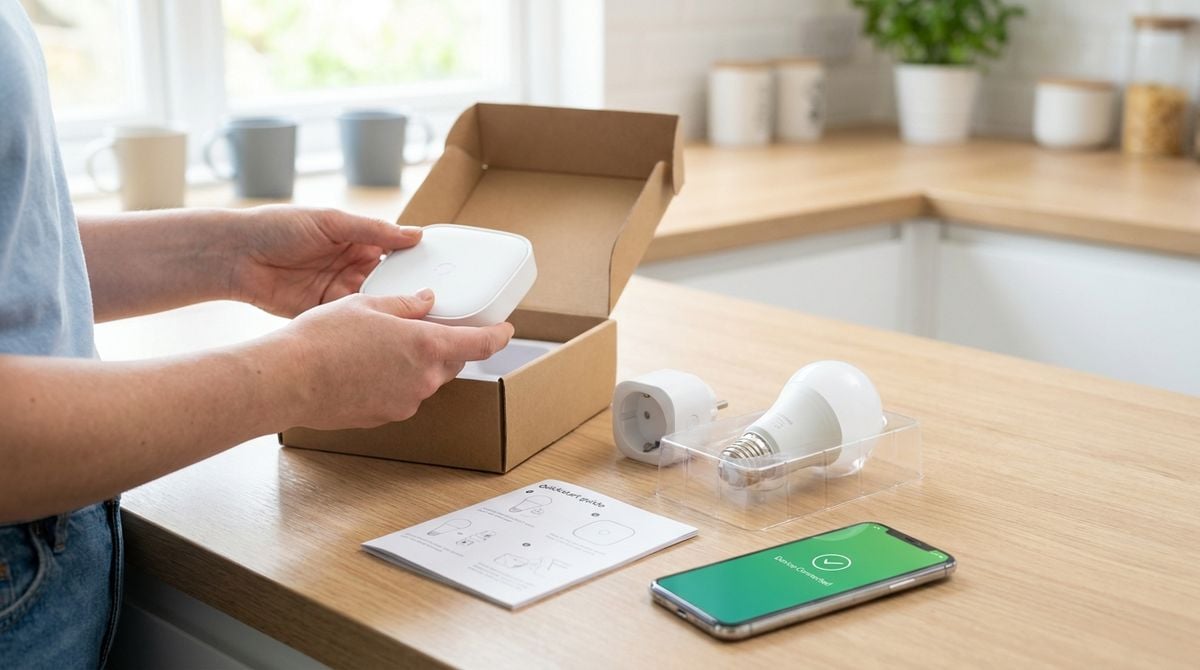
Every household now depends on devices, networks, and online accounts. Someone must install updates, back up photos, troubleshoot the wifi, and help a relative reset a forgotten password. When these digital chores fall on one person, the rest of the family can feel locked out of their own technology. Splitting technology upkeep fairly keeps everyone connected and protects the information the household shares. A little shared responsibility goes a long way when something stops working late in the evening. Everyone benefits when the household knows who to ask.
Inventory Every Device and Account
Start with a list of every device that connects to the home network, including phones, laptops, tablets, game consoles, and smart plugs. Note which accounts are used on each device and who manages them. A clear inventory reveals the digital tasks that quietly belong to nobody. It also shows which devices need updates most often and which ones are rarely checked.
Readers may also want to visit letterboxd. Keep the list in a shared document that does not store any passwords. Keep passwords separately in a secure tool that the household agrees to use together. Clear separation protects the inventory from becoming a security risk in its own right.
Assign Updates, Backups and Support
Assign each digital task to one owner. One person might manage device updates, another handles backups of family photos, and a third helps with email setup for older relatives. Matching tasks to skills and interest makes them less of a burden. Add a backup name for every task so the work continues when someone is busy or away. Backups matter just as much for digital chores as for the photos they protect. A missed backup is far harder to fix after a laptop fails.
You can also visit Similar Times for more reading. Choose update times that suit the household, such as overnight when devices are idle. Record the schedule in the same shared document as the inventory. A visible plan keeps updates from being postponed indefinitely. Reminders sent a day before a scheduled update also help the owner stay on track.
Protect Shared Access Fairly
Shared accounts and devices need clear rules. Decide who can install new applications, who can change settings, and how new family members are added. Limit administrator access to the people who genuinely need it, and keep a written record of account owners. Clear rules prevent accidental changes that affect everyone in the house.
For a related read on this site, see A Lost Wallet or Cloned Card: Your First. Revisit access whenever someone leaves the household or a device is replaced. Remove old devices from accounts, and update recovery details if they have changed. Explain these steps to the household so nobody feels suspicious of routine clean-up work. A short explanation tends to end the guessing before it starts.
Set Up Quick Fix Routines
Connection problems and frozen screens are inevitable in any busy home. Create a short troubleshooting routine that anyone can follow, such as restarting the router, checking the cable, and noting the time the problem began. A written routine stops the household from calling the same person for every minor glitch. It also builds confidence among less experienced users. People who feel capable are far more likely to try fixing a problem before asking for help. Confidence grows with each small success.
Rotate the role of first responder so skills spread across the family. Keep a simple guide near the router with the most common fixes and the support contacts for the internet provider. After each fix, update the guide if a new step turned out to be useful. A living guide grows smarter over time and becomes a family resource.
Review the Split and Clear Old Clutter
Digital clutter builds up as devices age and accounts multiply. Schedule a regular clean-up where the household removes old apps, closes unused accounts, and deletes duplicate files. Assign the review to a named person and give them an hour in the shared calendar. Regular tidying reduces risk and frees up storage space for everyone.
Use the review to revisit the split of digital tasks. Someone who now works longer hours might pass a responsibility to another person. Update the shared document and confirm the new owners at the next household meeting. Fair digital chores keep the home connected and the household calm when something unexpected goes wrong. They also make it clear who should be called first, which saves valuable time.
Splitting digital chores at home comes down to a clear inventory, named owners, shared rules for access, practical troubleshooting, and a regular clean-up. Each step protects the devices and the people who depend on them. Start with the device list today, and the rest of the household will find the plan easier to follow. Even a rough list is a meaningful first step toward a calmer home network. Each later improvement becomes easier once the basics are recorded.